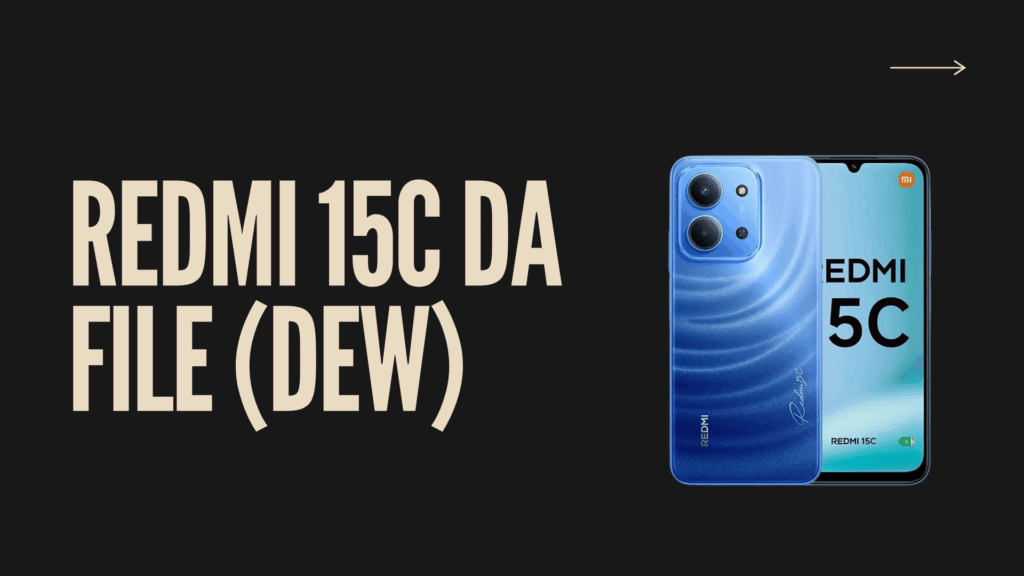
Redmi 13c DA file allows the removal of FRP Google Account Lock on your redmi 13c device. you can upgrade and downgrade stock firmware by this DA File Easily.
On this page, you will get links to Download Xiaomi Redmi 13C DA File and instructions to unlock your Xiaomi phone. The zip file includes the FRP File, USB driver & how-to-use guide, among other files.
Redmi 15C DA File (DEW) Download
File Name: Redmi 13C (DEW) DA File.zip
File Size: 1MB
How To Use?
1
Download and Extract Redmi 13C DA File.
2
Install the MTK USB driver on your computer. If already installed, then follow the following steps.
3
Open Smart Phone Flash Tool (flash_tool.exe).
4
Now, click on the Download Agent or Custom DA. Then, locate the DA file.
5
After choosing the DA file, then select scatter stock ROM.
6
Now, click on the Download/Start button.
7
Connect your device to flash mode.